📌 Introduction
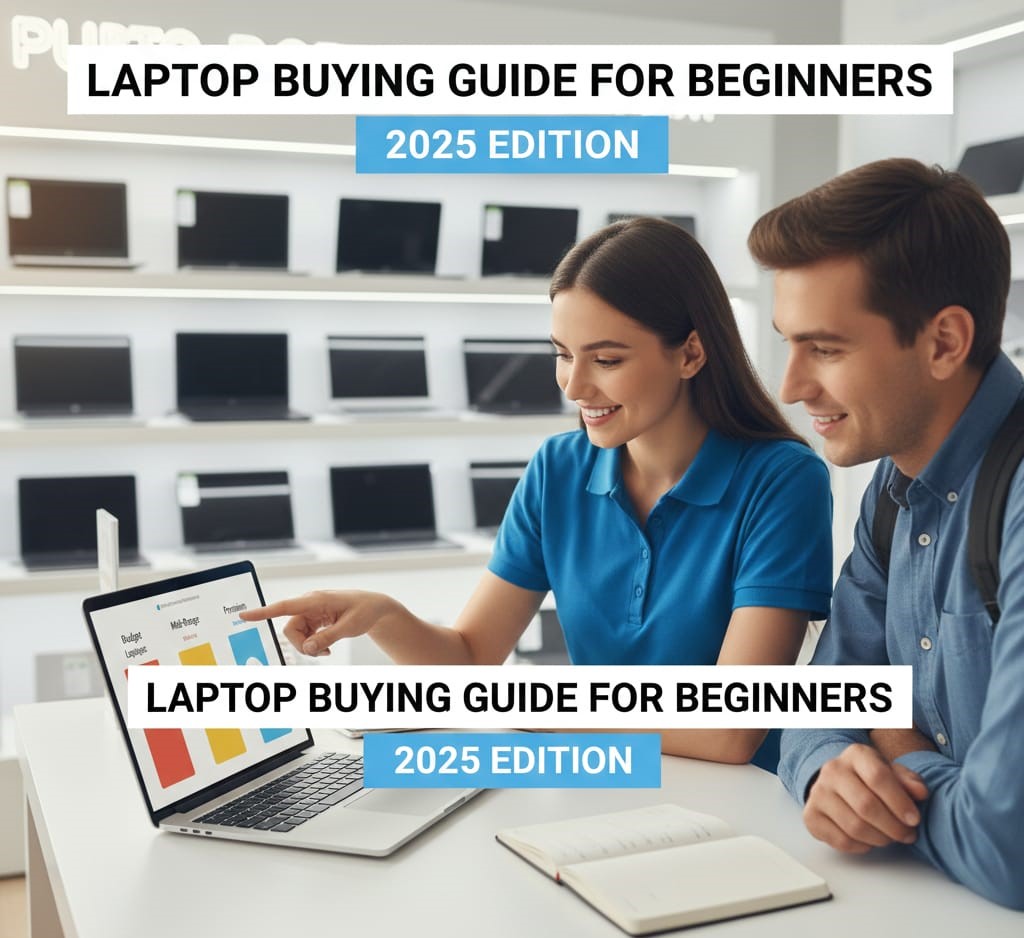
Buying your first laptop — or upgrading to a new one — can feel overwhelming. There are hundreds of brands, dozens of specifications, and confusing jargon like “SSD” or “Core i7.” But the good news? You don’t need to be a tech expert to pick the right machine. This beginner’s guide will walk you through every step of choosing the perfect laptop in 2025 — clearly, practically, and with actionable tips.
By the end of this guide you’ll know:
✔️ What features matter most
✔️ How to match a laptop to your needs
✔️ How much you should expect to pay
✔️ What to avoid
✔️ A simple decision-making process
Let’s dive in!
🎯 Section 1 — How Laptops Work: A Simple Overview
A laptop is essentially a portable computer — everything you can do on a desktop can be done on a laptop… but with trade-offs in size, battery, and power.
🧠 Core Components
Every laptop has several key parts:
📍 CPU (Processor) – The brain
📍 RAM (Memory) – Handles multitasking
📍 Storage (SSD/HDD) – Saves your files
📍 GPU (Graphics) – Displays visuals
📍 Display (Screen) – What you see
📍 Battery – How long it lasts unplugged
Understanding these will make shopping far easier.
🧠 Section 2 — Learn the Specs Without Stress
Here are the specs explained in plain English, not tech jargon.
⚡ 1. CPU (Processor) — Think of This as Speed
The processor determines how fast your laptop runs apps and performs tasks.
🚀 What to Look For
✔️ Intel Core i5 / i7
✔️ AMD Ryzen 5 / Ryzen 7
✔️ Apple M-series (M2, M3, etc.)
❗ Avoid old or low-power chips for serious work.
💡 Beginners Tip:
Prioritize a recent CPU — newer generations are faster and more efficient.
🧠 2. RAM — Memory for Smooth Multitasking
RAM lets your laptop run multiple apps at once.
| RAM Size | Best For |
|---|---|
| 8GB | Everyday tasks & students |
| 16GB | Heavy multitasking, light design |
| 32GB+ | Professional editing, creators |
❗ Less than 8GB feels slow today.
🎯 Beginner Rule:
8GB is okay; 16GB is ideal if your budget allows.
💾 3. Storage — SSD vs HDD (Important!)
💡 SSD = Fast
🐢 HDD = Slow
Today, you want an SSD (Solid-State Drive) because it makes your laptop feel snappy.
📌 Recommended:
✔️ 256GB SSD — Starting point
✔️ 512GB SSD — Most common choice
✔️ 1TB SSD — Best for lots of files
🎯 Beginner Rule: Always choose SSD over HDD.
🎮 4. GPU — Graphics for Games & Creativity
If you’re gaming or doing graphics work:
✔️ Discrete GPU (NVIDIA / AMD) is better
✔️ Integrated graphics is fine for everyday tasks
💡 Recommended for Gamers:
✔ NVIDIA RTX 40/50 Series
✔ AMD Radeon RX Series
👉 If gaming isn’t a priority, you don’t need a powerful GPU.
🖥️ 5. Display — Your Visual Experience
📏 Size: 13″ to 15.6″ is most common
📍 Resolution: Go for Full HD (1920×1080)
🔆 Panel: IPS gives better colors & angles
💡 Higher resolution (1440p or 4K) is nicer but not essential for beginners.
🔋 6. Battery Life — How Long It Lasts
A good battery should give:
✔️ 8–12 hours for daily use
✔️ 5–8 hours for gaming/heavy tasks
💡 Battery life depends on usage — browsing vs video editing gives different results.
📌 Section 3 — Decide Based on Your Needs
Before you buy, ask yourself:
👉 What will I use this laptop for?
Here are common use-cases:
🧑🎓 1. Everyday Use (Students, Browsing, Office)
Recommended Specs:
✔ Intel Core i5 / Ryzen 5
✔ 8–16GB RAM
✔ 256–512GB SSD
✔ 13–15.6″ Full HD Screen
✔ Integrated graphics fine
💰 Price Range: $500–$900
👨💻 2. Work & Productivity (Office + Research + Zoom)
Recommended Specs:
✔ Intel Core i5 / i7 or Ryzen 5 / 7
✔ 16GB RAM
✔ 512GB SSD
✔ Comfortable keyboard
💰 Price Range: $700–$1200
🎮 3. Gaming & Creative Work
Recommended Specs:
✔ Intel i7 / Ryzen 7
✔ 16–32GB RAM
✔ 512GB–1TB SSD
✔ Discrete GPU (e.g., NVIDIA RTX 3060+)
✔ High refresh rate display (120Hz+)
💰 Price Range: $1000+
📸 4. Video Editing & Design Creators
✔ High CPU power
✔ 32GB RAM if heavy editing
✔ SSD storage
✔ Color-accurate display
💰 Price Range: $1200+
💡 Section 4 — Form Factor Choices
Laptops come in several physical types:
🪶 1. Ultrabooks
✔ Slim & lightweight
✔ Great battery life
❌ Less powerful than gaming rigs
Best For: Students, travelers, office work
🔥 2. Gaming Laptops
✔ Powerful CPU + GPU
✔ Big screens & fast refresh rates
❌ Heavier & shorter battery
Best For: Gaming and creative work
🔄 3. 2-in-1 / Convertibles
✔ Touchscreen + tablet mode
✔ Flexible design
❌ Often pricier
Best For: Note-taking, flexibility
📊 Section 5 — Connectors & Useful Extras
When checking a laptop, look for:
✔ USB-C
✔ USB-A (x2+)
✔ HDMI (for external displays)
✔ SD Card Reader (nice to have)
✔ Headphone jack
✔ Backlit keyboard
💡 Connectivity matters more than mock specs — especially for plugging in accessories.
💰 Section 6 — How Much Should You Expect to Pay?
💵 Entry Level
✔ Basic productivity & browsing
💰 $400–$700
💻 Mid Range
✔ Best balance of performance & price
💰 $700–$1200
🏆 High End
✔ Gaming / creators / heavy multitasking
💰 $1200+
💡 Beginner Tip: Don’t overspend on specs you won’t use.
❌ Section 7 — Common Mistakes Beginners Make
🚫 Choosing only brand prestige
🚫 Buying too little RAM (e.g., 4GB)
🚫 Picking slow storage (HDD instead of SSD)
🚫 Ignoring battery life
🚫 Believing “higher GHz = always better”
🚫 Forgetting ports and real-world usability
👉 Always balance specs with real-life usage.
🛒 Section 8 — A Simple 4-Step Buying Plan
Here’s a beginner-friendly checklist:
🧩 Step 1 — Identify Your Purpose
Work, study, gaming, or mixed?
⚙️ Step 2 — Set Your Budget
Don’t overshoot — there’s great value everywhere.
📊 Step 3 — Compare Specs
CPU, RAM, Storage, Display
📍 Step 4 — Reviews & Reliability
Read reviews to avoid lemons.
🧠 Section 9 — Real-World Example Configurations
Here are some typical good choices by category:
🧑🎓 Student / Everyday Use
✔ Core i5 / Ryzen 5
✔ 8–16GB RAM
✔ 256–512GB SSD
👨💻 Office & Productivity
✔ Core i7 / Ryzen 7
✔ 16GB RAM
✔ 512GB SSD
🎮 Gaming
✔ RTX 3060 / 4060 GPU
✔ 16–32GB RAM
✔ 512GB–1TB SSD
📂 Section 10 — Warranty, Support & Reliability
When buying, don’t ignore:
✔ Warranty length
✔ Brand support reputation
✔ Return policies
💡 Some brands include accidental damage protection — worth considering!
🤔 Section 11 — Frequently Asked Questions (FAQ)
❓ Do I need a touchscreen?
✔ Nice for converters & casual use
❌ Not essential for most buyers
❓ Should I always choose SSD?
✅ Yes — SSD makes your laptop feel faster immediately.
❓ Is 16GB RAM worth it?
✔ Yes if you multitask or plan to keep your laptop for years.
❓ Can I upgrade RAM/Storage later?
✔ Some laptops allow it — check before buying.
📌 Section 12 — Quick Quiz to Choose Your Laptop
Answer these to pick smarter:
- Will you play games?
- Do you edit photos/videos often?
- Do you travel with your laptop?
- Do you need long battery life?
- What’s your true budget?
Your answers guide you to the perfect machine.
🏁 Final Verdict
Buying your first laptop doesn’t have to be confusing. If you focus on your needs, key specs, and realistic budgets, you’ll end up with a machine that boosts your productivity rather than stressing you out.
Here’s a simple rule of thumb:
📍 More RAM + SSD + recent CPU = Better experience
📍 Match specs to your tasks (don’t overspend on unused power)
📍 Read reviews & check ports before buying